







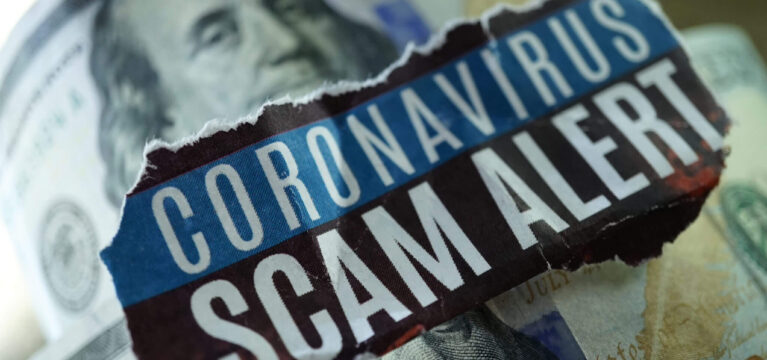
A lot of money is flowing from government stimulus programs. And where money flows, fraudsters go. They also go after people’s banking information and personal information. Fraudsters take advantage of stressful and uncertain times to deceive people. The COVID crisis seems made-to-order for them.
Fraud scams
The Federal Trade Commission reported that recent scamming techniques include phone calls, texts, and emails coming from people who pretend to be with the IRS, the U.S. Census Bureau or the FDIC. Some scammers are contacting small businesses to promise a loan or to say that a check is ready to be picked up. The IRS issued a warning about emails that, while they look like they’re from that agency, are actually phishing. Early this month, some businesses received an email that imitated one from the U.S. Small Business Administration (SBA). The email asked the recipient to upload a form that allows access to tax returns so they could apply for a small business disaster assistance grant. According to the SBA, the presence of their logo on an email or webpage does not guaranty the information is accurate or endorsed by them.What can you do?
Remain alert. Be extra cautious so no one can take advantage of you. If you have employees, make sure they know the dangers of scammers and how to sidestep them.Be cautious with emails
Emails are still a common way for fraudsters to wreak havoc, so be careful with your inbox. If you recognize the sender:- Take a close look at the sender’s full email address to make sure it’s legit. For example, any email communication from the SBA will come from accounts ending with gov.
- Be sure that the email’s content makes sense for your relationship with the company and conforms to general knowledge. For instance, you do not have to pay a fee to apply for a PPP; so, if an email from your lender asks for an application fee, don’t trust it. Call your lender to tell them about the email you received.
- Look closely at requests for money, account information and private information. A fraudster may have pasted a logo onto a bad email to try to scam you. Call the sender or check their website to make sure the email is on the up-and-up.
- Look the sender up online before you open the email. Review their website and read reviews that customers have posted about them.
- Don’t click any links, buttons or attachments in the email. Fraudsters use them to spread viruses or other software that can compromise your computer and its contents.
- Think twice about responding to the email. If you do respond, don’t give away any information that could compromise your privacy, including what’s in your signature line.
Take control of phone calls
If someone calls you, do what you can to take control of the call right away.- Find out who’s calling, and have them spell out their name and the name of the business or agency they represent.
- Ask for their phone number and write it down.
- Get a website address so you can verify their authenticity online during or after the call.
- Don’t answer questions that reveal too much or that imply you are agreeing to something.
- If the person doesn’t cooperate, hang up.